5. Creating DockerHub Account & Repo
info
DockerHub is a cloud registry where you can safely store and share your built Docker images.
Setup Steps
- Go to hub.docker.com.
- Create an account, set a unique username, and choose the free plan.
- Once logged in, click the Create Repository button.
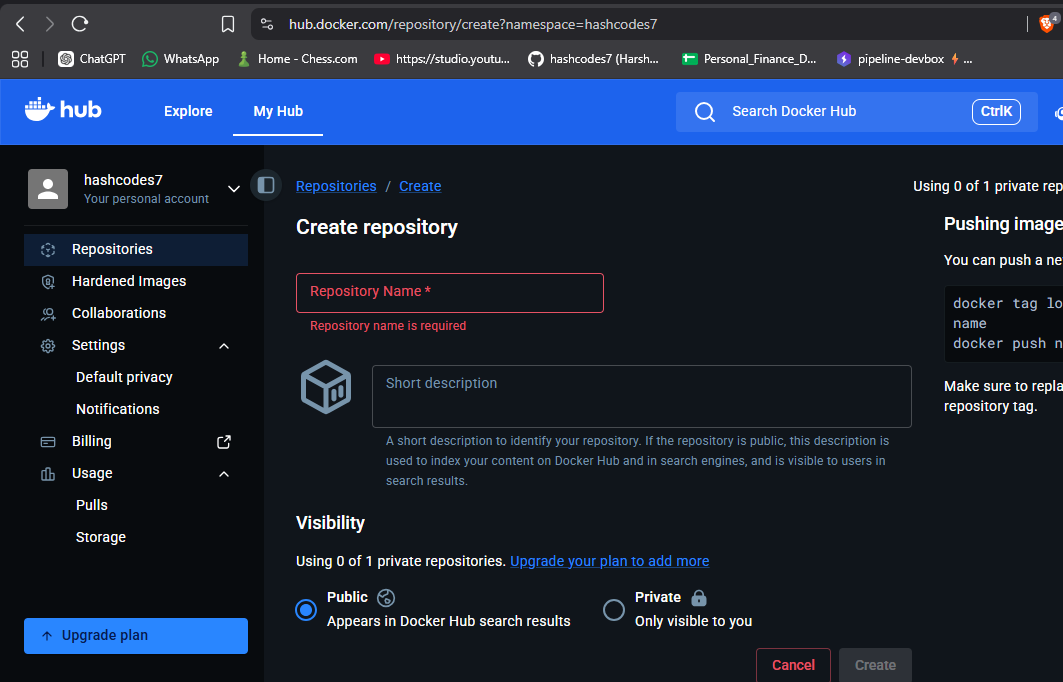
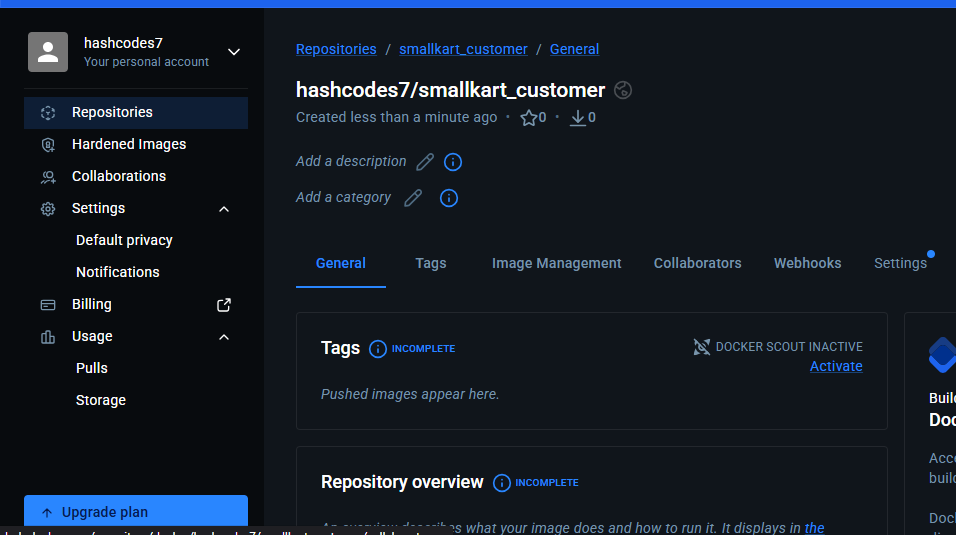
After creating it, your repository dashboard will look like this:
Naming Convention
As shown, the repository namespace is hashcodes7/smallkart_customer.
Consequently, the Docker image name you build must be compatible:
hashcodes7/smallkart_customer:latest
Now that our DockerHub account and repository are ready, we can proceed to build the image.
Go to Building Docker Image.