8. Pushing Docker Image To DockerHub
info
This is the final step where we upload our locally built container image to the cloud repository.
Pushing the Image
Use the following command in your Codespaces or local terminal:
docker push hashcodes7/smallkart_customer:latest
The upload process will begin, showing progress bars for each layer.
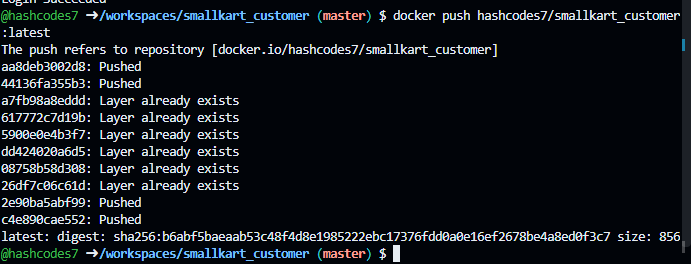
Verification
Once the terminal confirms the push is complete, verify it directly on DockerHub.
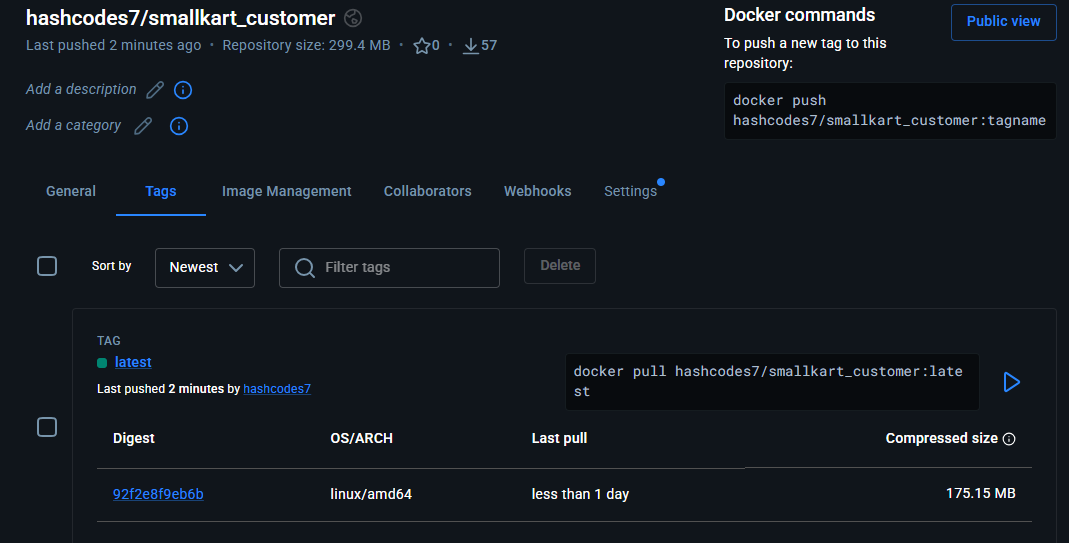
Congratulations! It has been successfully pushed to DockerHub and is ready to be pulled by any production server.