7. Logging In To DockerHub
info
We have created a Docker repository and we have a built Docker image on our system, but we have not securely connected the two environments yet.
Authenticating
Use this command in your terminal:
docker login
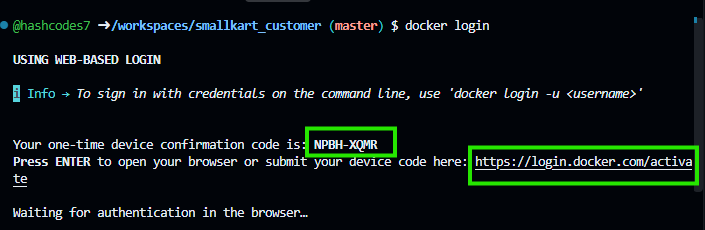
Click the highlighted link in the terminal and open it in a browser where you are already logged into DockerHub. Enter the one-time code provided in the terminal.
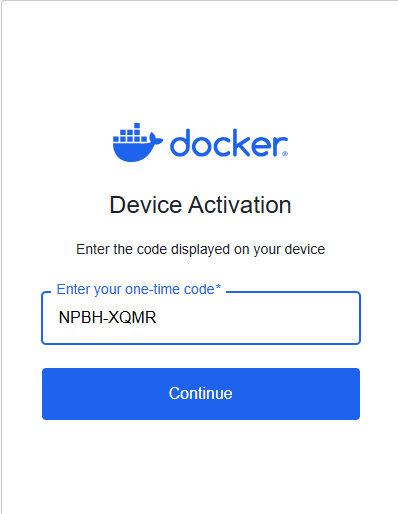
Confirm and continue.
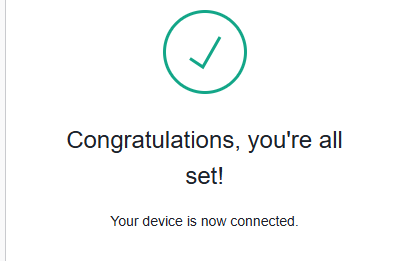
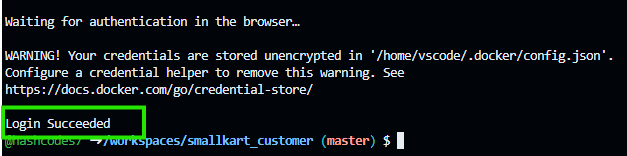
A Login Succeeded message means everything is configured properly! You can now securely push images into your DockerHub account's repository.