6.1. Testing Docker Image Locally
This is an optional step that can only be performed after you have successfully built the image using Building Docker Image.
Running the Container
Run the following command to start a container from your newly built image:
docker run -p 8080:8080 --name smallkart-app hashcodes7/smallkart_customer:latest
Once running, Codespaces will automatically forward the port. A prompt will appear in the bottom right corner—click Open in Browser.

Your browser will open a URL similar to:
whatever-whatever.github.dev/hello

Checking Logs
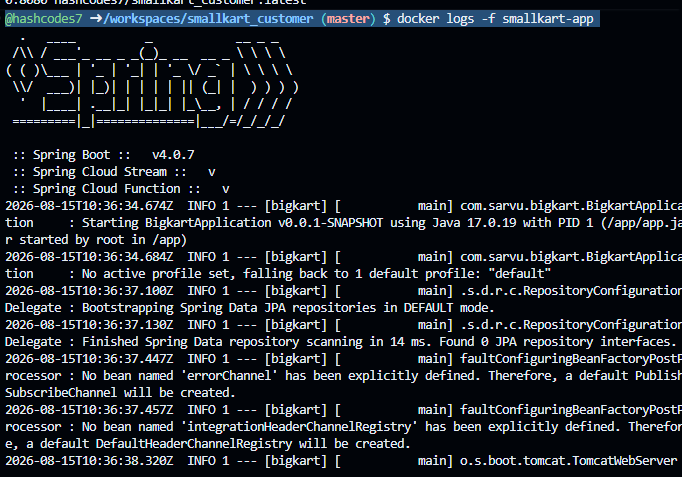
Use this command in your GitHub Codespaces terminal to tail the live logs of the container:
docker logs -f smallkart-app
The output will look like this:
Cleanup
This process creates a container in your machine (Codespace or local PC). After testing, you should delete the container to free up resources.
docker stop smallkart-app
docker rm smallkart-app
Next, you can move to actual deployment to DockerHub in Logging in to DockerHub.