Obsidian Setup
Opening Folder as Vault
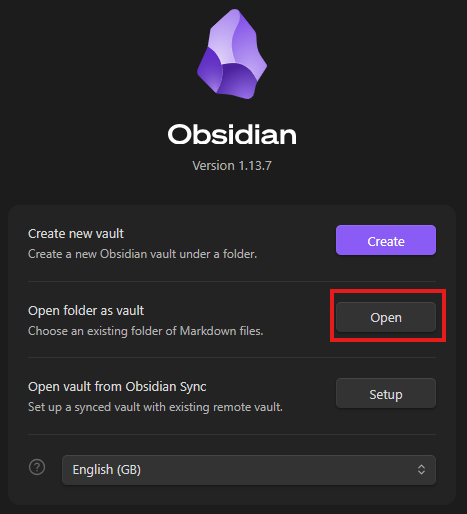
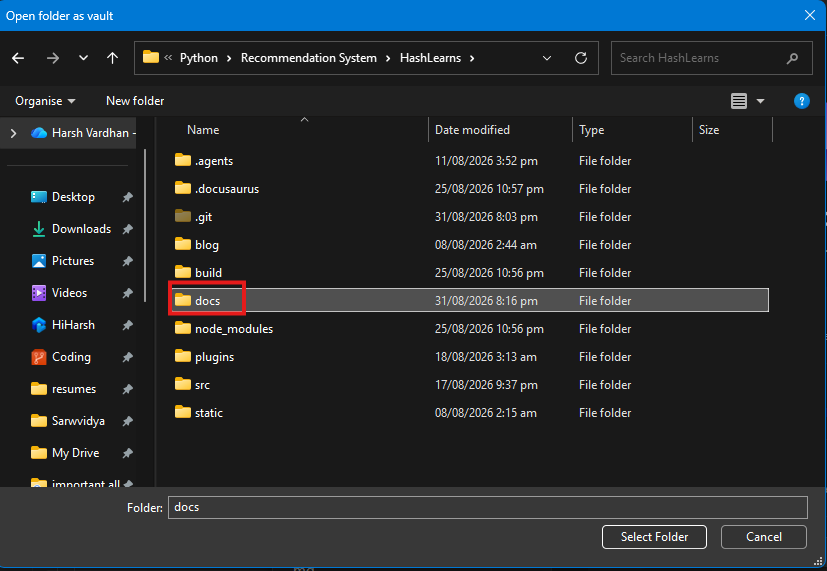
- go to obsidian app, open folder as vault -> Select the "docs" folder of docusaurus react project as vault folder
Fix File references to not encounter image and path related issues
If not done, then obsidian will path them incorrectly (by default) so make sure you are placing them at right place so that vs code and final react webpage build can find the image at right path.
-
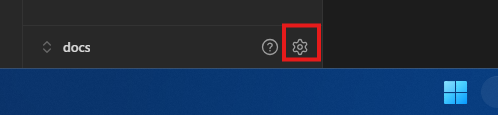
Go to sidebar and press settings button
-
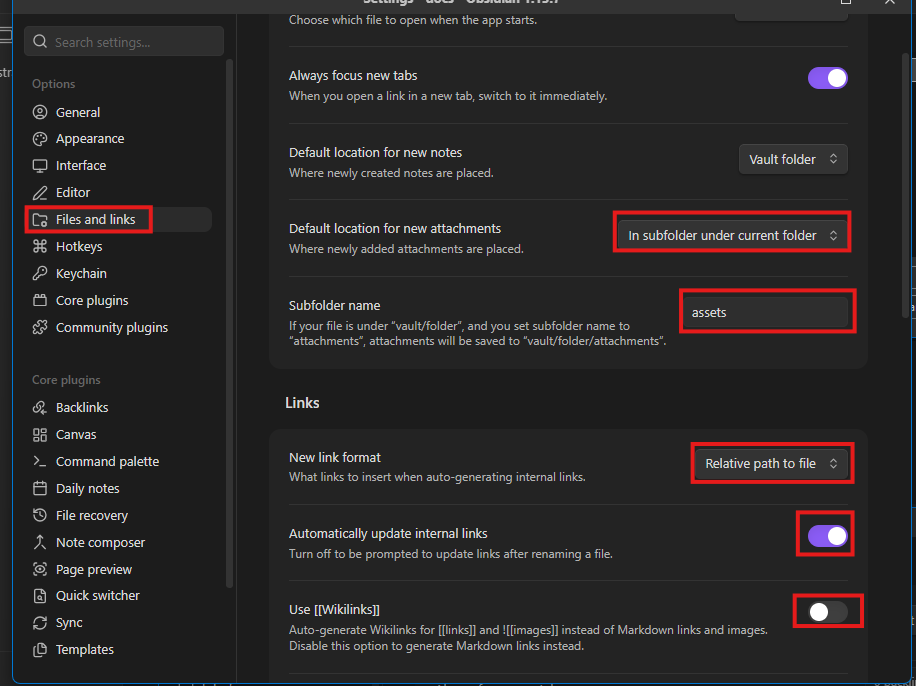
Go to Files and Links tab
-
For default location , choose In subfolder under current folder
-
Give a name to subfolder eg assets
-
in New link format -> Relative path to file
-
turn on Automatically update internal links
-
turn off use WikiLinks (obsidian's way to link image). We are turning it off because we want native Markdown way of referencing a image, not a obsidian way otherwise it will not work on other platforms.
Refer to attachment below.