Downloading Git & Installing it
hashcomics😋
1 / 2
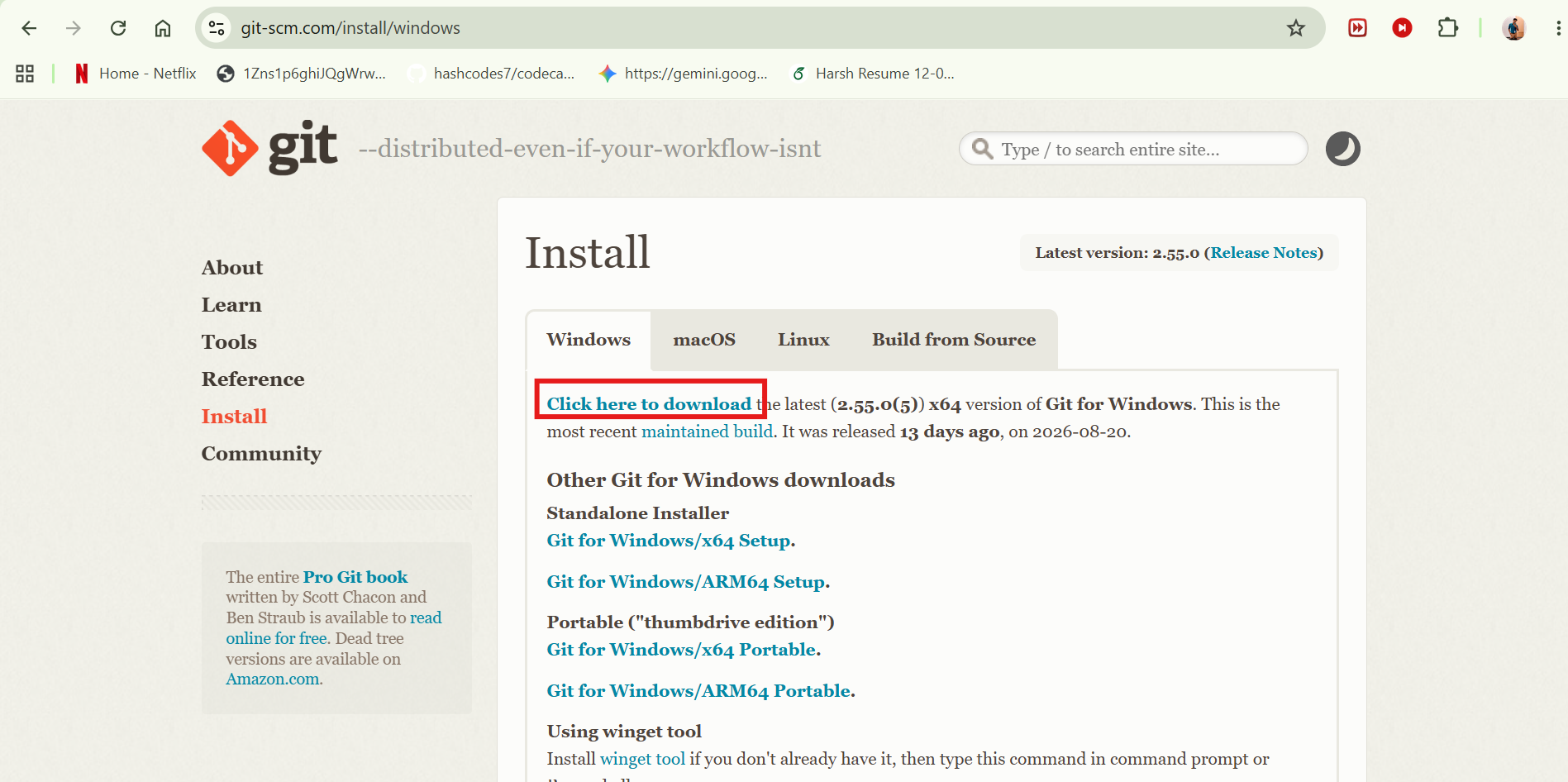
1. Download Git
Downloading Git
Log in to Git (this doesnt mean we are logging in github)
- we want to specify git who are we, so we have to log in to git. if the PC is yours and you will manage every project you can set a Global Username and email
git config --global user.name "Your Name"
git config --global user.email "you@example.com"
- if PC is not yours but you just want project specific login of git in that pc, dont set git for global, use these project specific git login commands instead
git config user.name "Your Name"
git config user.email "you@example.com"
That concludes 1 time setup of Git and Github account creation for you. you will see this page again rarely if ever.