GIT Commands and Basic Git Workflow
hashcomics😋
1 / 5
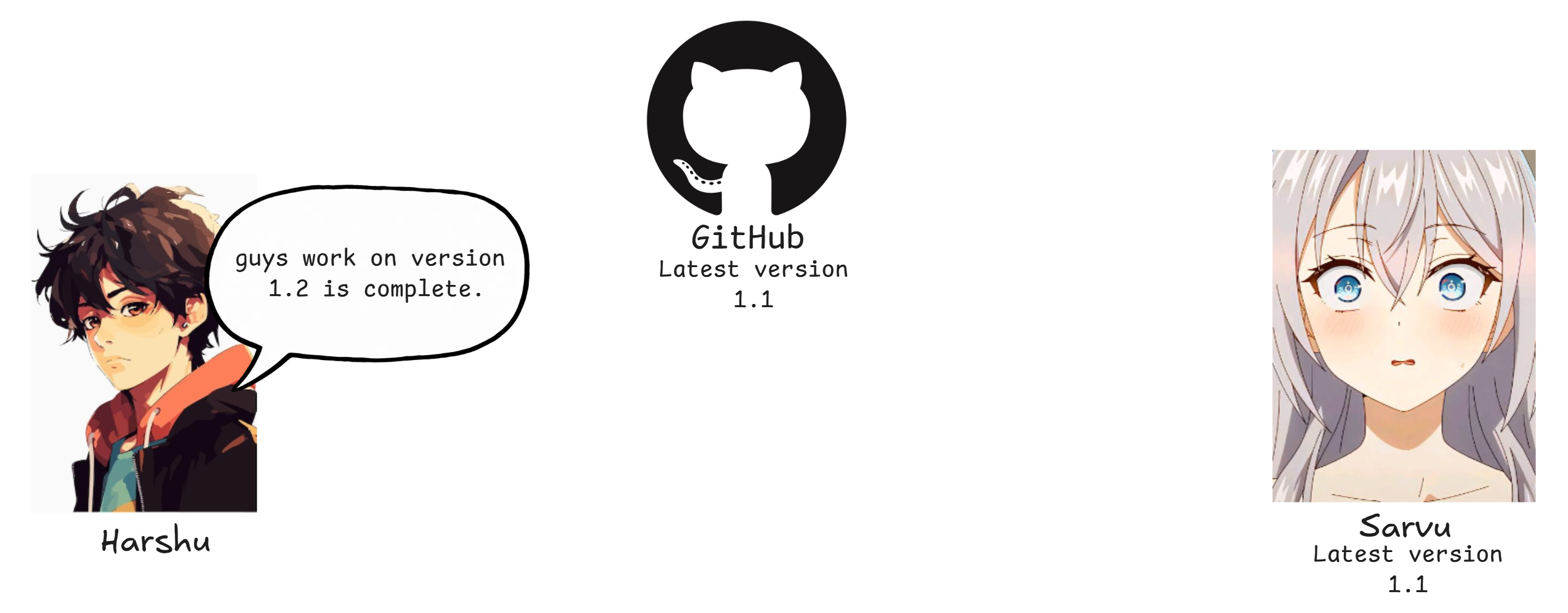
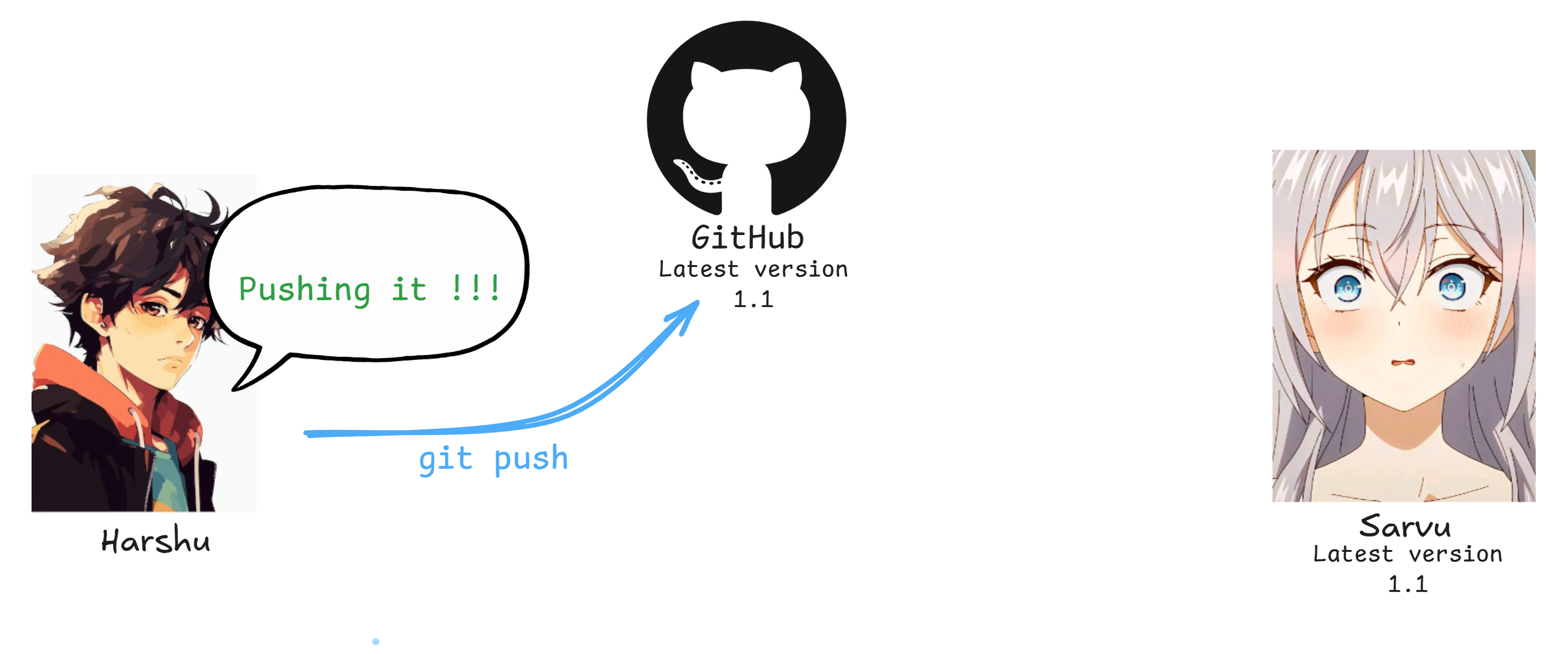
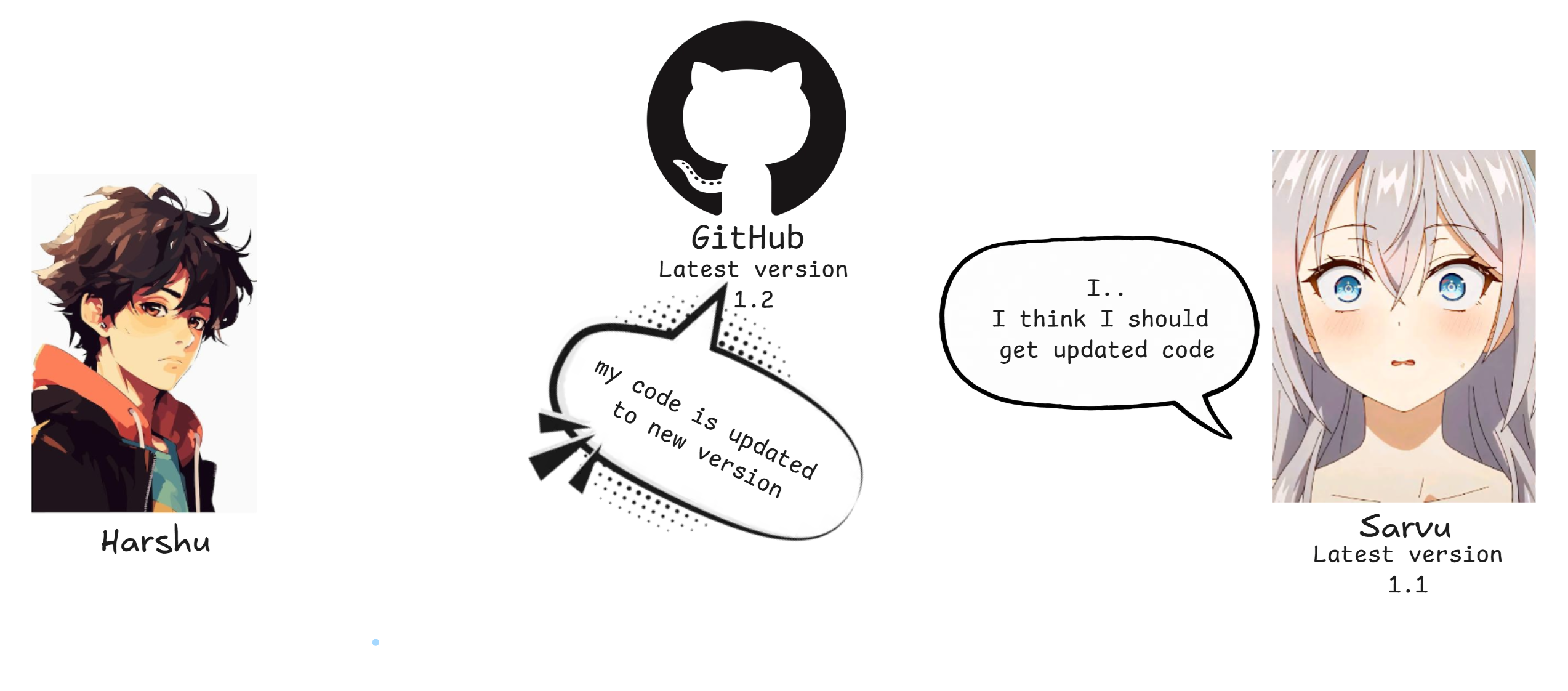
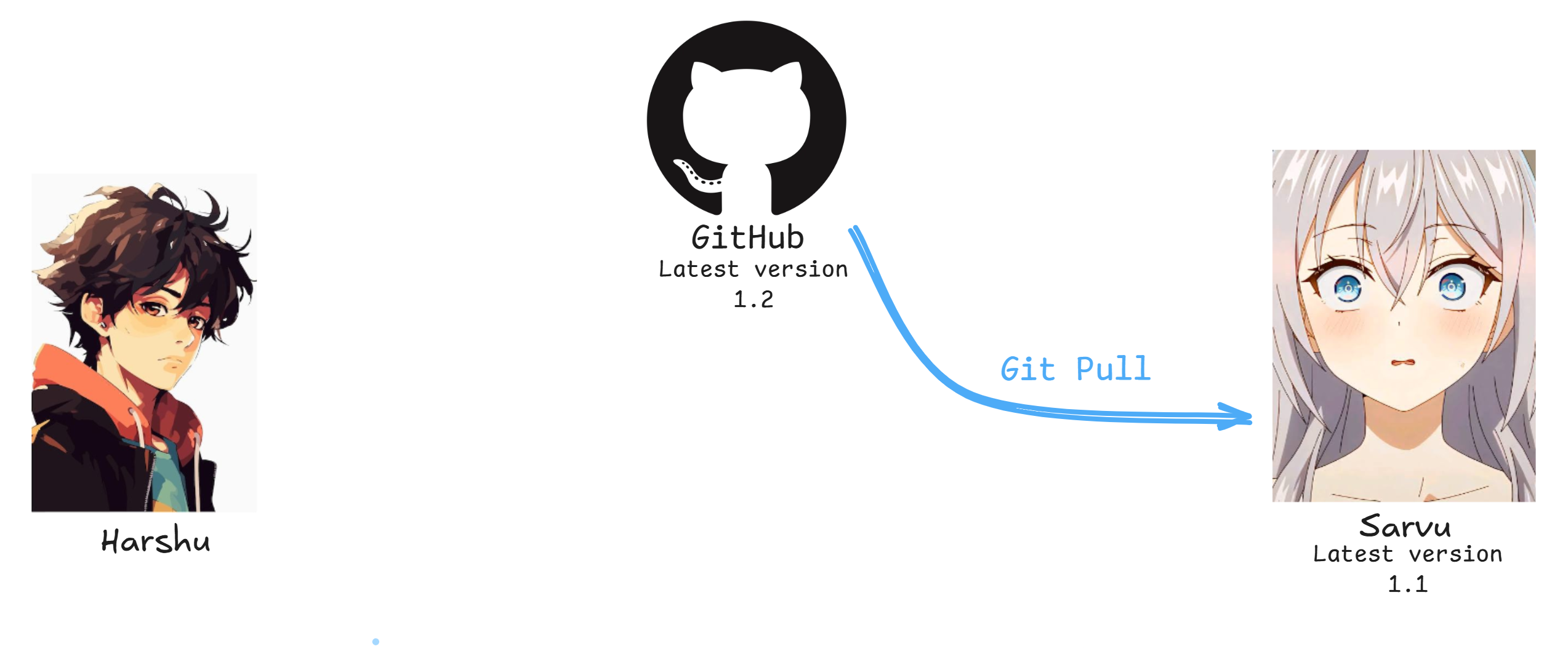
git Commands
| Command | Description |
|---|---|
git init | Initialize a new Git repository |
git clone <url> | Clone an existing remote repository |
git status | Check the current state of the repository |
git add <file> | Stage a file for the next commit |
git add . | Stage all changes |
git commit -m "message" | Create a commit |
git log --oneline | View compact commit history |
git diff | View unstaged changes |
git diff --staged | View staged changes |
git branch | List branches |
git switch <branch> | Switch branches |
git switch -c <name> | Create and switch to a new branch |
git merge <branch> | Merge a branch into the current branch |
git rebase <branch> | Reapply commits on top of another branch |
git stash | Temporarily save uncommitted changes |
git stash pop | Restore stashed changes |
git restore <file> | Discard unstaged changes |
git restore --staged <file> | Unstage a file |
git reset <commit> | Move HEAD to another commit |
git revert <commit> | Create a new commit that undoes a previous commit |
git remote -v | View configured remote repositories |
git fetch | Download changes from a remote without merging |
git pull | Fetch and integrate changes from a remote |
git push | Upload local commits to a remote |
git tag <name> | Create a tag for a commit |
git config --global user.name "<name>" | Set your global Git username |
git config --global user.email "<email>" | Set your global Git email |
git config user.name "<name>" | Set username for the current repository |
git config user.email "<email>" | Set email for the current repository |